





How to Create a User Account for KCET 2026
To begin the KCET 2026 application process, candidates must first register on the official KCET website. The user account acts as a central dashboard for completing all stages of the application, including form filling, document upload, and submission.
Accessing the Official KCET Website
Visit the official KCET website using the link provided in official notifications
Ensure you have a stable internet connection before starting the registration
Navigating to the Registration Section
Locate the candidate login or user account section on the homepage
Look for options such as “New User” or “New Registration”
Starting New User Registration
Click on the new user registration option to initiate account creation
Read the on-screen instructions carefully before proceeding
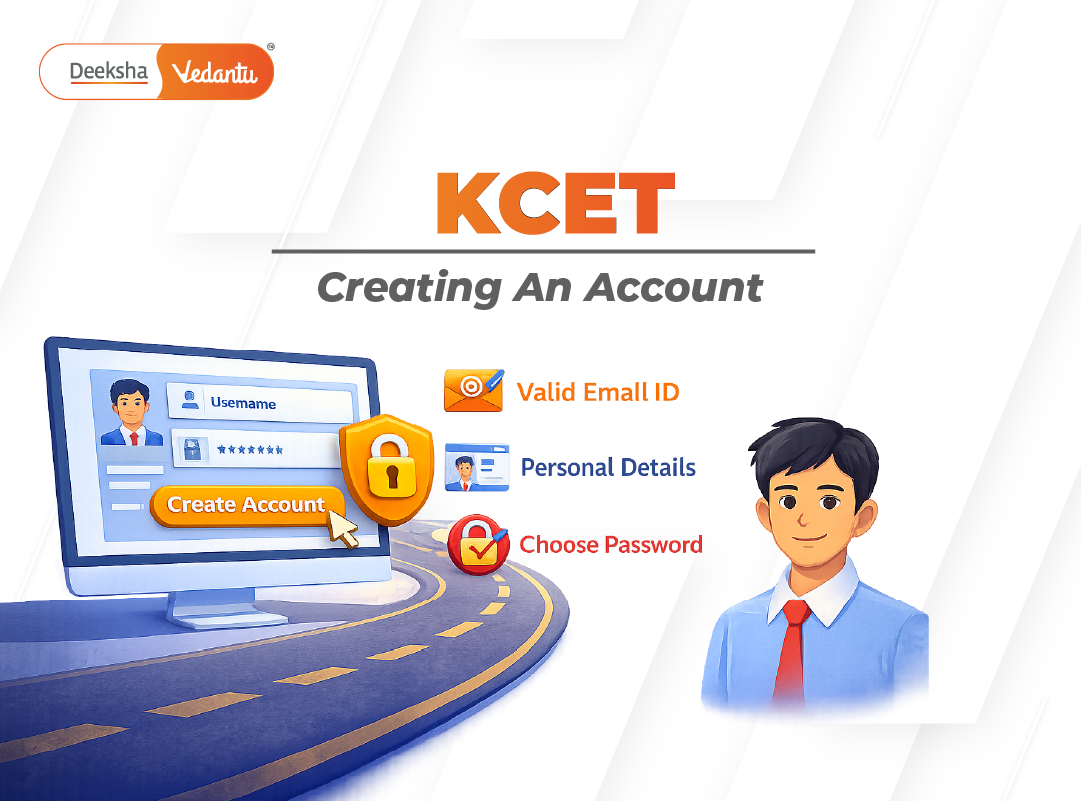
Entering Required Details
Enter personal information exactly as per official records
Provide a valid email ID and mobile number
Fill in basic educational details as requested
Creating Login Credentials
Note down the system-generated user ID
Set a secure password following the instructions displayed on the screen
Store your login credentials safely for future use
Verifying and Submitting Registration
Review all entered information carefully
Submit the registration form after verification
Complete any OTP or confirmation steps if prompted
Logging In and Accessing the Application
Log in using the generated user ID and password
Use the dashboard to proceed with the KCET 2026 application form
Upload required documents and complete further stages of the application
The user account created for KCET 2026 serves as the single access point for managing the entire application process. Candidates should ensure that all information entered during registration is accurate and follows the guidelines issued by the Karnataka Examination Authority.
Related Searches







Table of Contents



Get Social